Professional logo design vs. DIY: what actually looks better to customers
Quick answerA professional logo tends to hold up better than a DIY one once it leaves the screen it was designed on: it scales cleanly to a sign or a shirt, it wasn't built from a template thousands of other businesses can also use, and it comes with the actual file formats a printer or web developer needs. DIY tools are a reasonable starting point for a brand-new business, but they trade some of that durability for speed and cost.
Pull up a DIY logo and a professionally designed one side by side on a laptop screen, and they can look surprisingly close. Both have clean fonts, a reasonable color, maybe a simple icon. The difference customers actually notice doesn't usually show up on that screen. It shows up on a storefront sign, a shirt, an invoice, or a competitor's logo sitting right next to yours.
What "looks better" really means
Nobody walks past your business thinking "that's a template logo." What they register is smaller and harder to name: does the sign look crisp or a little fuzzy, does the logo feel like it belongs to you or like they've seen something close to it before, does everything from your website to your packaging feel like one business or a few different ones stitched together.
Those impressions come from three practical things: how well the logo scales, how original it is, and whether the person who made it delivered files that actually work everywhere you need them.
Scalability: the difference between a screen and a sign
A logo built in a DIY tool is often exported as a single image, sized for wherever you first needed it, usually a website or a social profile. Blow that same file up to sign size or shrink it down to a favicon, and it can go blurry or lose its detail fast.
A professionally designed logo is typically built as a vector file, most commonly SVG, AI, or EPS. Vector files aren't made of pixels, they're made of math, so they scale to any size, from a business card to a billboard, without losing sharpness. That's not a style preference. It's the difference between a logo that holds up everywhere your business shows up and one that only really works at the size it was first made for.
Originality: not looking like the business down the street
DIY logo generators work from shared templates and icon libraries. That's exactly what makes them fast and inexpensive, but it also means another business, possibly a competitor in OKC or Tulsa, could be one click away from a very similar mark. Nobody sets out to look like someone else's business. It just happens when thousands of people are drawing from the same starting point.
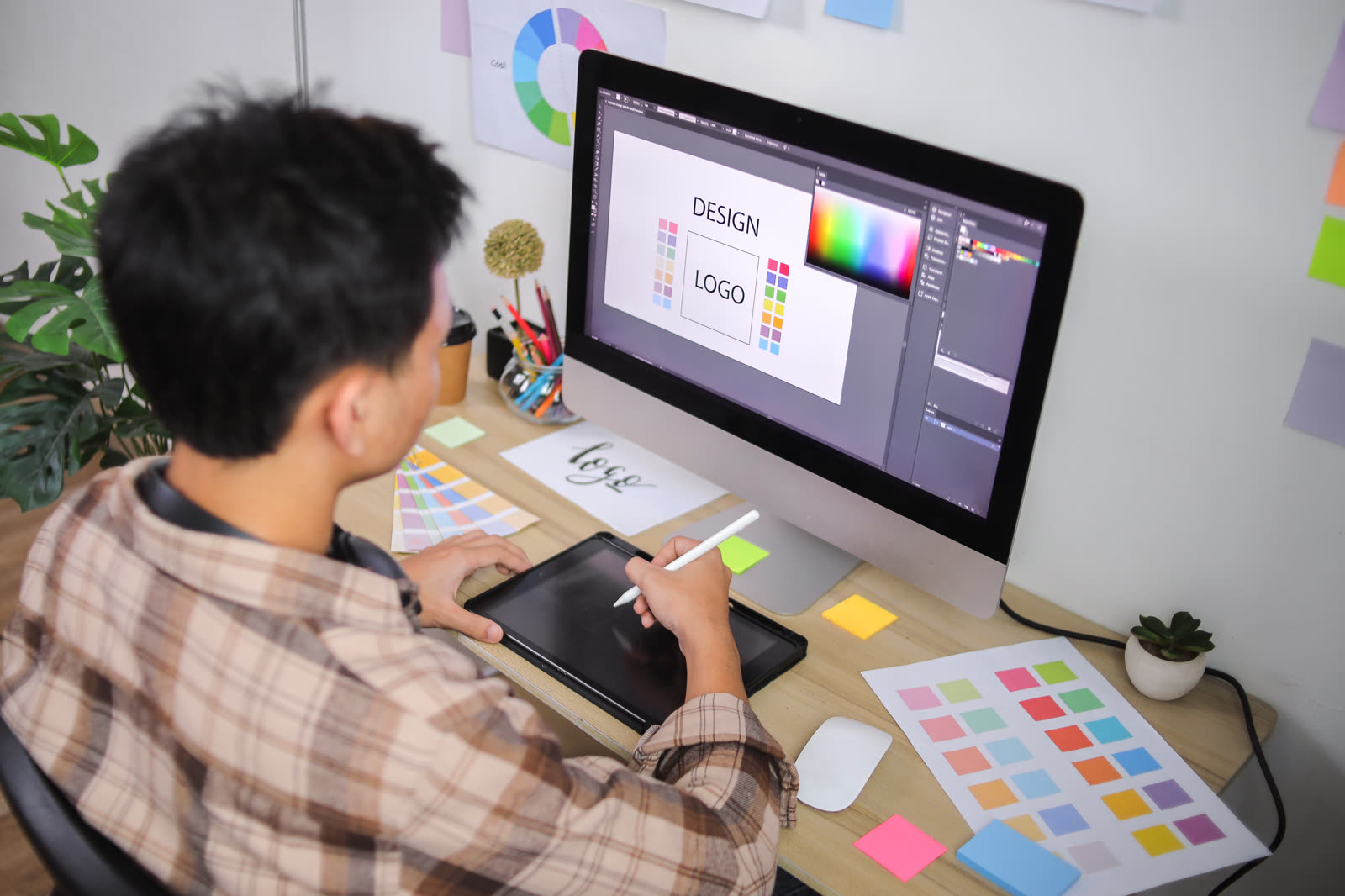
A designer who starts from a blank page and asks about your business first (what you do, who you serve, what you want people to feel when they see your name) tends to land somewhere nobody else already occupies. That's less about talent and more about process: original work usually comes from starting with your business. We go into that difference in more detail in our piece on what actually goes into a small business brand identity.
File formats: the part nobody thinks about until they need it
This is where DIY logos most often fall short, quietly, months after the fact. A business owner picks a logo, downloads a JPG or PNG, and moves on. Then a sign shop asks for a vector file. Or a print vendor needs it in CMYK for a truck wrap. Or a web developer needs a transparent PNG for a dark header background, and the only file on hand has a white box around it.
A proper logo delivery includes the vector master file plus a set of ready-to-use exports: transparent PNGs in a few sizes, a favicon, and a print-ready version. It's a small detail at the moment you first get your logo and a genuinely useful one the first time you need it somewhere unexpected.
So which path actually fits your business
If you're testing an idea, working with no budget yet, or just need something presentable while you get moving, a DIY logo is a reasonable place to start. Plenty of businesses have grown well past their first logo. Nothing about starting there is a mistake.
If you already have customers, a physical location, or a name people are starting to recognize, that's usually the point where a purpose-built logo starts to pay off, in files that are easy to use and a look that is unmistakably yours. At that stage, our logo design service starts with your business and pairs naturally with a website built around the same look. For a closer look at what different budgets actually buy, we broke it down by price tier in what a logo really costs a small business.
The honest part
A logo, DIY or professional, won't grow your business on its own. What it does is show up everywhere your business does, consistently, for years. That's worth getting right once instead of working around twice.
If you're not sure whether your current logo is holding you back or just needs a better set of files, tell us what you're working with and we'll tell you plainly. When you're ready for something built around your business specifically, we'll put together a clear quote for what that actually takes.
Frequently asked questions
Can customers actually tell the difference between a DIY logo and a professional one?
Most customers can't name what's off, but they notice when a logo looks blurry on a sign, stretched on a shirt, or generic next to a competitor. Those are usually DIY-tool symptoms, not deliberate style choices.
Is Canva good enough for a small business logo?
It's a fine starting point, especially for a business that needs something presentable right away. The trade-off is that Canva and similar tools work from shared templates, so your logo may resemble other businesses that used the same starting design.
What files should I actually get from a logo designer?
At minimum, a vector file (SVG or AI/EPS) that can scale to any size without blurring, plus PNG versions with a transparent background for web and social use. If a logo delivery is only a JPG, you're missing the pieces you'll need later.